Ever end the day with too many tabs open, half-finished notes, and one task you still forgot? That kind of mess doesn’t mean you’re lazy. It usually means your system has too much friction.
The best digital productivity tools don’t pile on more apps. They remove small bits of daily drag, like hunting for a note, rewriting the same email, or trying to fit work into a calendar that already feels full. This guide keeps things practical. It’s about everyday use, not heavy business software or complex setups.
As of March 2026, the most useful tools are getting smarter in simple ways. AI can help with drafts and summaries, voice input makes quick capture easier, smart calendars protect focus time, and automation handles repeat tasks in the background. The goal isn’t to build the biggest stack. It’s to pick the best tools for productivity that you’ll actually keep using.
Start with the core digital productivity tools most people actually need
Most people don’t need ten apps. They need a small toolkit that covers four basics, tasks, notes, calendar planning, and help with communication or writing.
That matters because simple systems stick. If your setup feels like a part-time job, you’ll stop using it after a week. On the other hand, when one app catches tasks, another holds ideas, and your calendar reflects real time, your day feels lighter.
A good rule is to start with one tool per category. Then give it two weeks before adding anything else. In most cases, that does more for productivity than chasing every new feature.
Task tools that help you stop forgetting important work
If your brain treats reminders like loose change, a task app helps by giving every job a home. That’s why Todoist Pro stays popular. It works well for fast capture, daily lists, recurring tasks, and reminders that show up when they should.
Todoist fits people who want speed. You can add “pay rent every month” or “call Mom Friday at 6” in seconds. Priorities are easy to scan, and the clean layout reduces mental noise.
ClickUp works better when your work has more moving parts. If tasks depend on each other, need custom views, or belong inside a project, ClickUp gives more room. It’s stronger for planners, freelancers, small teams, and anyone juggling personal and work projects together.

The real benefit isn’t fancy views. It’s relief. Once recurring tasks, due dates, and priorities live in one place, your head stops carrying them around all day. As a result, you spend less energy remembering and more energy doing.
Notes and knowledge apps that keep ideas from getting lost
Notes are where good plans often go to disappear. A thought lands during a walk, a meeting, or a grocery run, then vanishes because it had nowhere simple to go.
Notion is great for people who want notes plus structure. You can keep meeting notes, trip plans, reading lists, and shared docs in one space. It’s flexible, which is helpful, yet that same flexibility can feel like too much if you just want a blank page and quick search.
Obsidian takes a different path. It’s strong for personal knowledge, linked ideas, and long-term thinking. If you like connecting notes over time, it feels more like building a second brain than keeping a file cabinet. That makes it a good fit for writers, students, and curious people who save lots of research.
Newer AI-powered knowledge hubs, including tools like remio, try to bridge the gap. They focus on collecting snippets, notes, and saved content, then helping you find and reuse them later. In other words, they don’t just store information, they surface it when it becomes useful.

For everyday use, keep it concrete. Save shopping lists, appointment details, article ideas, meal plans, and meeting takeaways. If a note app makes capture fast and retrieval easy, it’s doing its job.
Use AI tools to write, research, and think faster without losing control
AI helps most when it saves time on small, repeat tasks. It doesn’t need to replace your judgment. It just needs to get you from blank page to solid first draft faster.
That means using AI for summaries, rough outlines, email rewrites, brainstorming, and document review. Then you step in, clean it up, and make the final call.
Let AI do the first pass, not the last word.
That mindset keeps the tool useful without turning it into a crutch.
AI assistants that speed up writing and problem solving
For general users, ChatGPT and Claude Pro are two of the most helpful AI assistants in 2026. Both work well for everyday writing and planning. You can ask for a clearer email, a weekly meal plan, a better meeting agenda, or a shorter version of a long note.
ChatGPT is often the faster all-purpose helper. It handles brainstorming, rewriting, outlining, and idea generation well. Claude Pro stands out when you need to work through longer documents or more detailed reasoning. If you often upload reports, policies, transcripts, or drafts, that extra room matters.

Voice features are also becoming more useful. Instead of typing every thought, you can speak a rough idea while walking or cleaning up, then turn it into a usable note or message later. That’s a small shift, but it cuts friction in a big way.
Still, review anything important. AI can miss context, flatten your tone, or state weak ideas too confidently. For low-stakes tasks, speed matters more. For work, school, money, or health topics, your judgment still matters most.
Research tools that cut down search time
Traditional search can feel like falling into a maze. You open five results, skim three, and forget why you started. Research tools like Perplexity reduce that bounce by giving faster answers with context and sources.
That makes them useful for comparing products, getting a quick topic summary, or understanding a new concept before you go deeper. If you need a shortlist of good standing desks, a plain-English take on tax forms, or a recap of a news topic, these tools can save serious time.
Perplexity is best at the start of research, not the end. It helps you get oriented. Then you verify the details that matter, especially for purchases, health, legal issues, or financial choices. Used that way, it acts like a fast research assistant instead of a final authority.
Take back your time with calendar tools and simple automation
A lot of productivity advice focuses on effort. However, many gains come from fewer manual steps and a more honest calendar.
When your schedule reflects real limits, you stop pretending eight hours can hold twelve hours of work. Then automation handles the boring repeat jobs that quietly drain attention.
Smart scheduling tools that help your day stay realistic
Motion and Reclaim help people stop treating the calendar like an empty promise. Instead of static plans, they build time blocks around meetings, tasks, deadlines, and breaks, then adjust when life changes.
Motion is strong for people whose task list and calendar constantly collide. It can rework your day when something runs late or a new priority appears. That makes it a good fit for busy professionals, freelancers, and anyone who tends to overbook themselves.
Reclaim works especially well when you want recurring focus time, habits, and breaks protected on the calendar. Students, parents, and people with crowded weeks often like that balance. It gives structure without requiring constant manual edits.
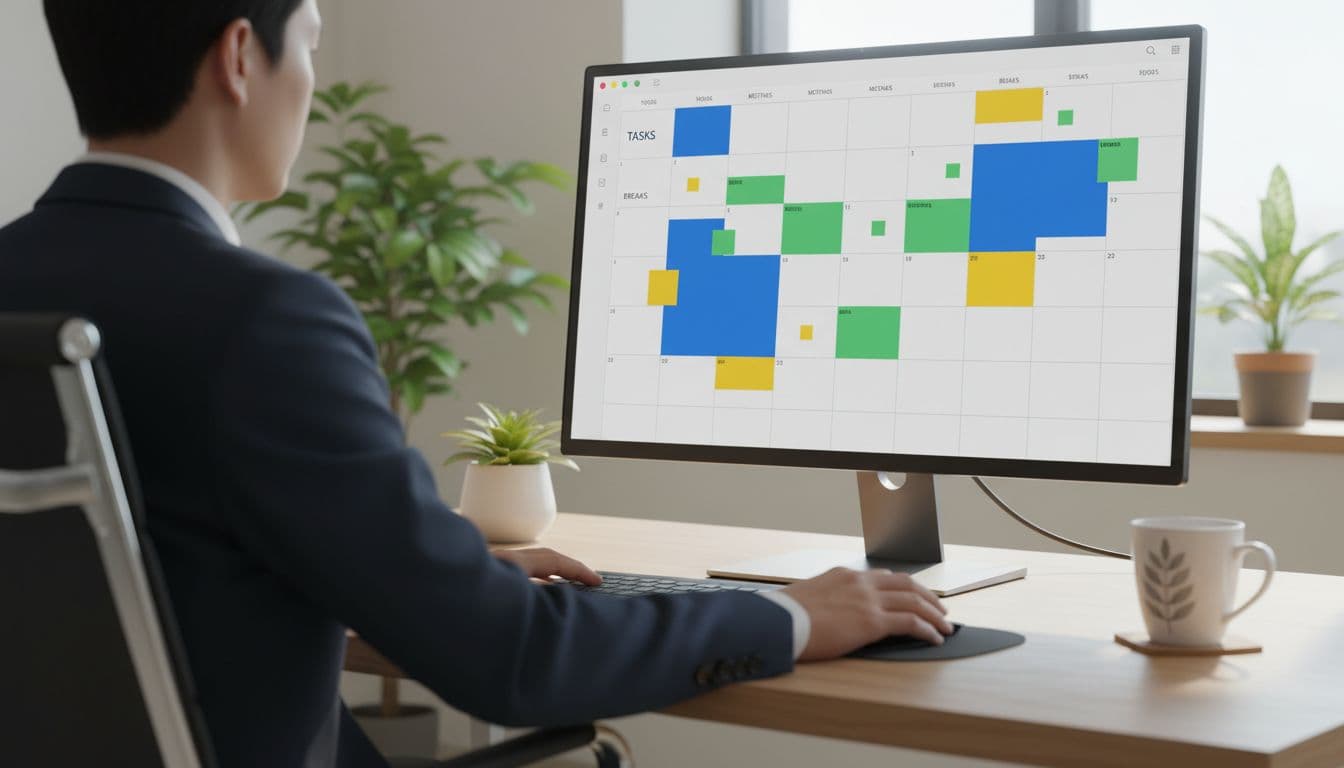
The best part is realism. When a tool moves tasks after a missed meeting or protects a break before burnout hits, your schedule starts working with your life, not against it.
Automation tools that quietly remove repetitive tasks
Automation sounds technical, yet the best uses are simple. Think of it as setting up tiny helpers for boring actions you repeat every week.
Zapier is often the easiest place to start. You can send form entries into a spreadsheet, save email attachments to cloud storage, or create tasks from starred messages. Setup is usually beginner-friendly, and many common apps already connect well.
n8n offers more control. It’s popular with people who want custom workflows, self-hosting options, or deeper logic. That freedom is great if you’re comfortable tinkering. If not, Zapier will feel friendlier.
You don’t need a huge system. One automation that saves five minutes a day adds up fast. Besides, every task you stop doing by hand frees attention for work that actually needs you.
Choose the best tools for your routine, not the ones with the most features
Feature-heavy apps can look impressive, yet extra power doesn’t always help. In fact, too many options often slow people down.
Pick tools that match your habits, devices, and budget. If you mostly use your phone, a desktop-first setup will annoy you. If you hate setup work, choose tools with good defaults. As of 2026, many top apps still offer free tiers or low-cost paid plans, so testing before paying is easier than it used to be.
Pick tools based on your biggest daily bottleneck
Start with the problem that keeps repeating. That’s usually where the best return sits.
This quick table makes the match easier:
| Daily problem | Best tool type | Good starting pick |
|---|---|---|
| Forgetting tasks | Task manager | Todoist |
| Bigger multi-step work | Project hub | ClickUp |
| Scattered notes and ideas | Notes app | Notion or Obsidian |
| Slow writing or planning | AI assistant | ChatGPT or Claude Pro |
| Calendar chaos | Smart scheduler | Motion or Reclaim |
| Too much routine admin | Automation tool | Zapier or n8n |
The takeaway is simple. Don’t shop by hype. Shop by pain point. If forgotten tasks wreck your week, start there. If writing takes too long, add AI next.
Build a small productivity stack you will still use next month
A starter stack can be very small. One task app, one note app, one calendar helper, and one AI or automation tool is enough for most people.
For example, a solo user might choose Todoist, Notion, Reclaim, and ChatGPT. Someone with project-heavy work might swap in ClickUp and Zapier. The right setup depends less on popularity and more on whether it fits your day without friction.

Keep three things in mind. First, cross-device access matters because life doesn’t happen on one screen. Next, easy capture matters because good intentions vanish fast. Finally, low friction matters more than long feature lists.
Consistency beats complexity. A modest setup you trust every day will do more for your work than a powerful stack you avoid opening.
Digital productivity improves when tools reduce friction, mental load, and repeated work. Task apps, note systems, AI helpers, smart calendars, and automation each solve a different kind of daily drag.
Start small. Pick one or two digital productivity tools that fix real problems this week, then build from there only if you need to. The best system isn’t the most advanced one, it’s the one that keeps your day clear enough to move.


