In 2026, most professionals don’t have a time problem, they have an attention problem. There are too many apps, too many alerts, and too many tasks fighting for the same hour, so work feels busy even when the important stuff doesn’t move.
That’s why the best productivity systems aren’t complex. They’re simple, easy to repeat, and built to lower stress instead of adding another layer of work.
This article covers a small set of proven systems that still work, how to choose one that fits the way you work, and how to make it stick. The goal isn’t to manage every minute better, it’s to make your days feel clearer and more under control.
What makes a productivity system actually work today
A useful system should make work feel lighter, not heavier. That matters even more in productivity methods 2026, where your day can shift fast because of meetings, messages, and last-minute tasks.
The strongest productivity systems do three things well. They cut down mental clutter, show you what matters now, and make it easier to begin. If your setup needs too much care, it slowly turns into another job.
The best systems remove friction instead of adding steps
Most systems fail for a simple reason: they ask too much from you before real work starts. If you have to sort five labels, update three boards, and move tasks across apps, the system steals energy you should spend on the task itself.
Good productivity systems remove that drag. They give you a short path from capture to action. You write something down once, decide what it is, and move forward. That feels small, but it’s huge during a packed day.
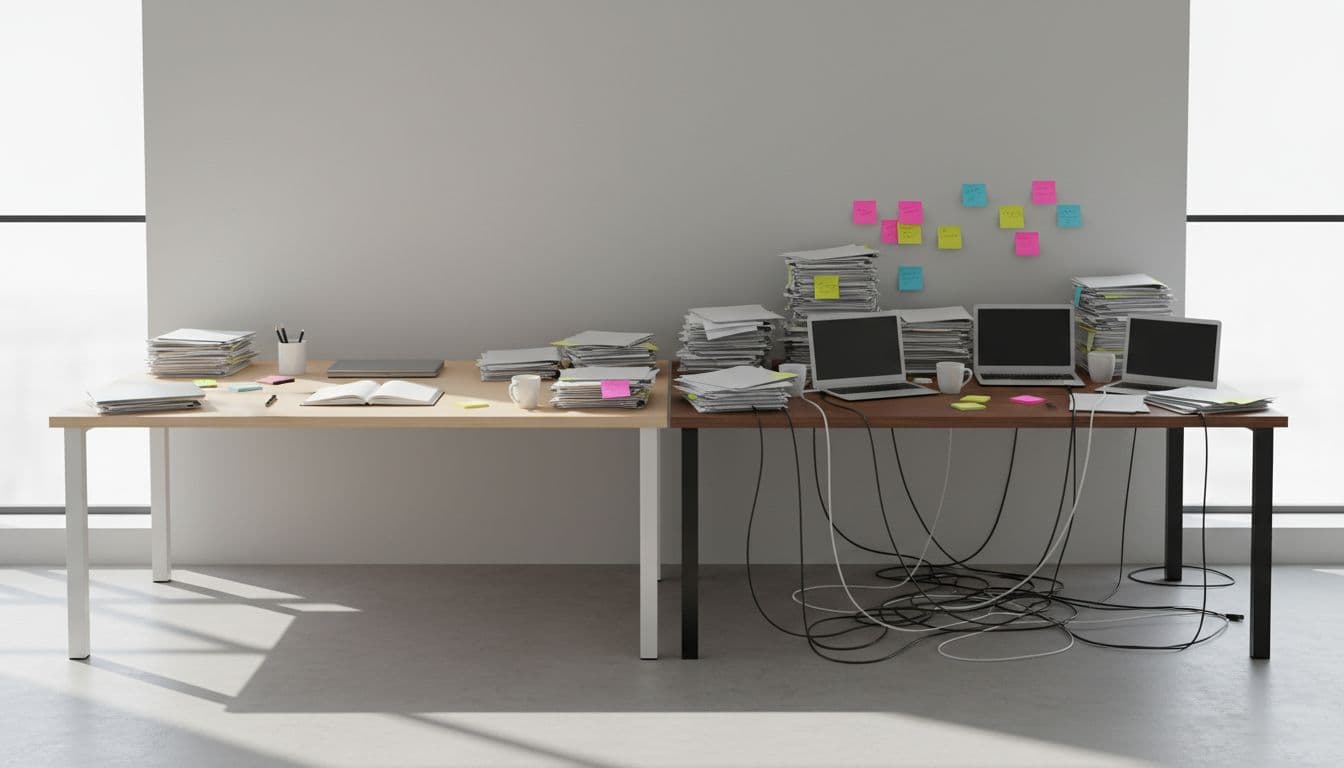
Think of it like a well-set kitchen. If the pan, knife, and ingredients are within reach, cooking starts fast. If everything is buried in drawers, even a simple meal feels like work. Your task system works the same way.
In practice, the best setups usually make these choices clear:
- What needs action now: A short list for today or this week
- What can wait: A place for later, so it stops taking up headspace
- What matters most: One or two top priorities, not ten
- What belongs elsewhere: Notes, reference items, and ideas kept out of the task list
That is why simple frameworks keep showing up year after year. Methods like a basic priority list, a clean calendar, or an easy project folder system work because they lower decision load. Some professionals now pair those with light AI support to sort or suggest priorities, but the rule stays the same: if the setup adds confusion, it won’t last.
The system should help you start faster, not organize longer.
Simple beats perfect when your week gets busy
A system doesn’t prove itself on a calm Tuesday. It proves itself during travel, back-to-back calls, and weeks when your inbox keeps filling faster than you can clear it.
That’s where simple wins. A perfect setup looks nice when you have time, but a usable setup survives pressure. When your schedule tightens, you won’t maintain a complex dashboard. You will return to the tool or method that lets you see your next step in seconds.
This is why consistency matters more than optimization. A basic system you trust every day beats a detailed one you avoid by Thursday. Professionals stay with productivity systems that still make sense when attention is low and time is short.
A durable system often has a few clear traits:
- It works in one glance. You can open it and know what matters.
- It survives missed days. If you skip a review, the system doesn’t fall apart.
- It travels well. You can use it from your laptop, phone, or notebook.
- It handles real life. Meetings, deep work, admin, and personal tasks all fit without chaos.
The goal is not to build a flawless machine. It’s to build a reliable home base for your work. When the week gets loud, simple systems hold their shape, and that is what makes them useful.
The simple productivity systems worth using in 2026
Most professionals do not need a bigger stack of apps. They need productivity systems that make decisions easier and reduce friction during a normal workday. The methods below still work in 2026 because they are simple, flexible, and easy to repeat when your week gets busy.
What ties them together is practical design. Each one helps you decide what to do, when to do it, and where to keep it. In other words, these are productivity methods 2026 professionals can actually stick with.
Time blocking with energy-based planning
Classic time blocking often fails for one reason: it treats every hour like it feels the same. Real days do not work that way. Some hours are sharp and focused, while others are better for lighter work.
That is why energy-based planning works better. You place deep work in your strongest hours, then move admin, email, updates, and routine follow-up into lower-energy windows. If your brain is best from 9:00 to 11:00, protect that time for writing, analysis, strategy, or problem-solving. Save lower-focus tasks for the afternoon slump.
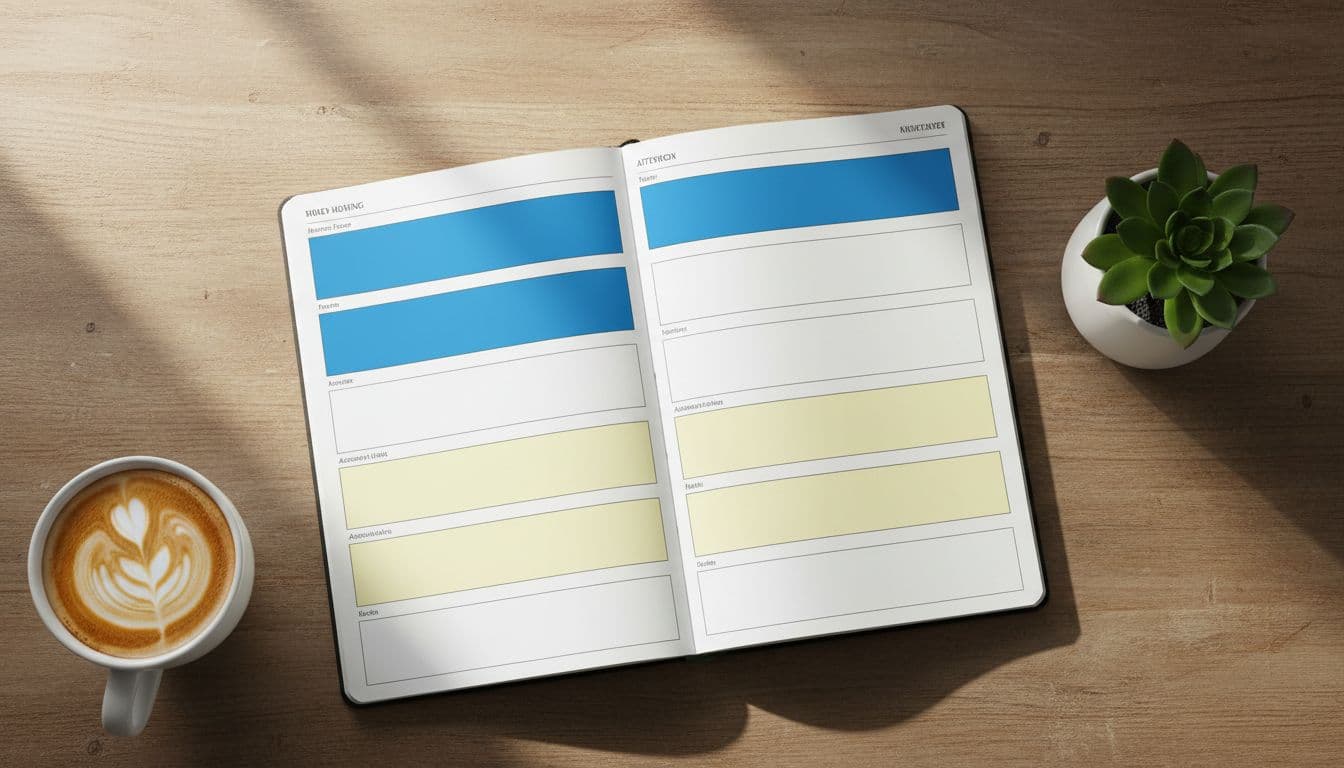
The second fix is just as important: add short buffers between blocks. A 10-minute gap gives you room for a meeting that runs late, a quick reset, or a task that needs a few extra minutes. Without those gaps, one delay can knock over the rest of your day like a row of dominoes.
A simple version looks like this:
- High-energy block: Deep work, planning, creative output
- Medium-energy block: Calls, reviews, collaboration
- Low-energy block: Email, approvals, expense reports, scheduling
- Buffer time: Small gaps that keep the whole plan from breaking
This works better than filling every minute because it respects real life. You still have structure, but you also leave breathing room. That balance is what makes time blocking usable, not just nice to look at on a calendar.
The Eisenhower Matrix for faster daily decisions
Some tasks feel urgent because they are loud, not because they matter. The Eisenhower Matrix helps you separate signal from noise fast. Instead of staring at one long list, you sort tasks into four clear buckets:
- Do now
- Schedule
- Delegate
- Delete
That simple split changes the tone of your day. You stop reacting to whatever shows up first and start deciding what deserves your attention. A client deadline may belong in do now, while career planning belongs in schedule. A status update might be delegate, and a low-value request may need to be deleted.

In 2026, some professionals use AI tools to suggest task priority based on deadlines, past behavior, or calendar pressure. That can save time. Still, the real value is not the suggestion engine. The real value is clearer thinking. You look at your work with more intent, and that means less reactive work all day.
A good priority system does not just sort tasks, it protects your attention.
Among simple productivity systems, this one is especially useful when everything feels equally important. Most of the time, it is not.
The two-minute rule with batch processing
The original two-minute rule says, if a task takes less than two minutes, do it right away. That idea still has value, but there is a modern catch. If you stop for every tiny task, your day gets chopped into pieces.
A better update is to capture quick tasks first, then handle them in one or two short batches later. That could be 15 minutes before lunch and 15 minutes near the end of the day. You still clear the small stuff, but you stop letting it interrupt your best work.
This works well for tasks like:
- Quick replies
- Approval clicks
- Calendar tweaks
- Short file sends
- Minor follow-ups
Batching keeps small tasks under control without putting them in the driver’s seat. It also lowers the hidden cost of switching attention. A two-minute task rarely stays two minutes once you count the time it takes to stop, shift, and restart.
So the rule becomes more practical: if it is small, collect it, then clear it in a planned burst. That small change makes this one of the most useful productivity systems for professionals who need focus without letting admin pile up.
Pomodoro focus sprints for people who struggle to start
Starting is often harder than working. When a task feels big, vague, or annoying, your brain looks for the nearest escape hatch. Pomodoro-style focus sprints help because they shrink the commitment. You are not agreeing to finish the whole thing. You are only agreeing to start for a short block.
That is why the method works so well for procrastination. A 25-minute sprint feels manageable. Even a 15-minute sprint can be enough to break resistance. Once you begin, momentum usually does the rest.
Some 2026 tools now adjust sprint length based on your habits, energy, or past focus patterns. Others add streaks, timers, and light game features. Those extras can help. Still, the core benefit stays the same: focused work feels easier to begin when the finish line is close.
If you struggle to start, keep it simple:
- Pick one task
- Set a short timer
- Remove obvious distractions
- Work until the timer ends
- Take a short break, then repeat if needed
Think of it like getting a cold engine to turn over. The first few minutes matter most. Once the machine is running, staying in motion gets much easier.
PARA for keeping work, notes, and files organized
A lot of stress at work comes from messy information, not hard work. You know the feeling. A note is somewhere, a file exists, and a useful idea is buried in the wrong folder. PARA fixes that with four simple buckets:
- Projects: Things with a clear goal and end point
- Areas: Ongoing parts of life or work you maintain
- Resources: Reference material you may use later
- Archives: Inactive items you want to keep, but not see daily
The beauty of PARA is that it works across notes, documents, cloud folders, and even task managers. A client launch goes in Projects. Team leadership sits in Areas. Research on pricing or industry trends fits under Resources. Finished work moves to Archives.
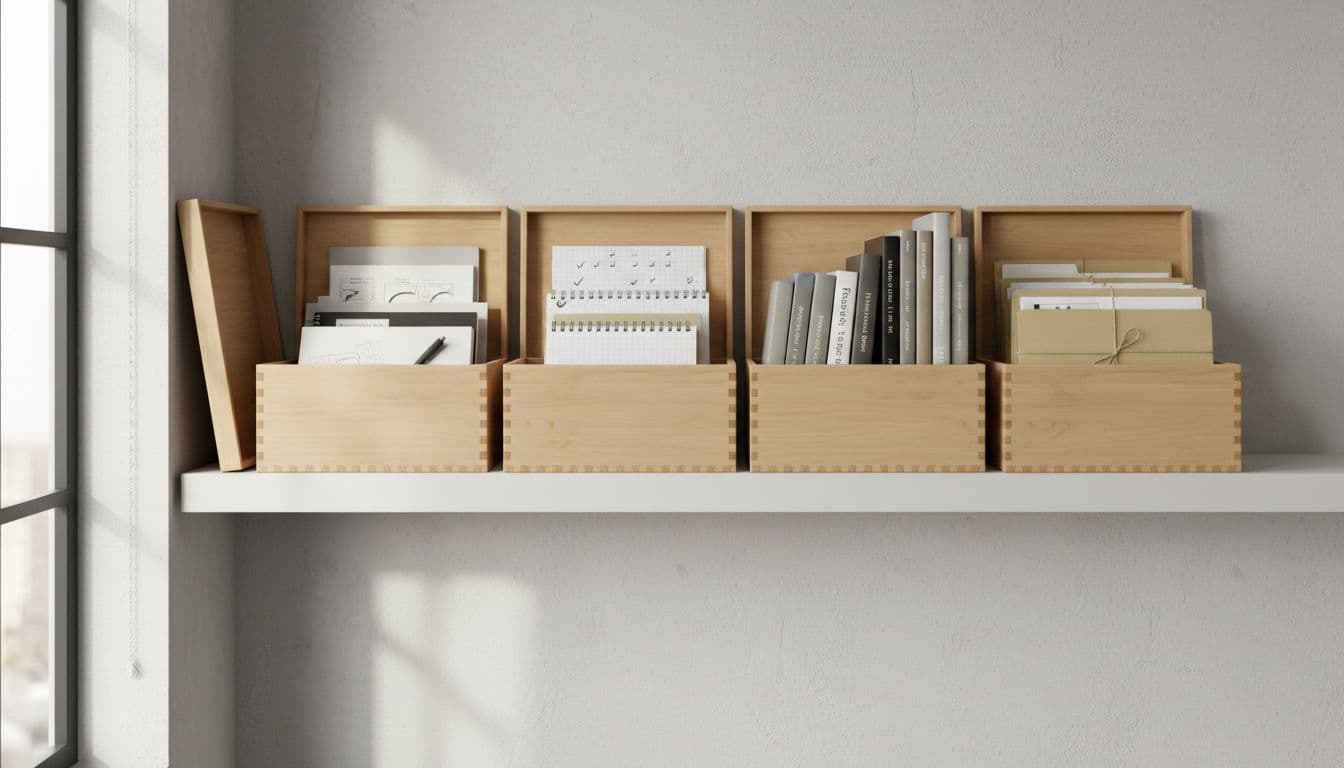
This is one of the best productivity systems for reducing digital clutter because it gives everything a home. You spend less time hunting and more time doing. In addition, your tools start to feel connected instead of scattered.
If your current setup feels like a junk drawer, PARA is a clean reset. It is simple enough to keep up, and that is exactly why it lasts.
How to choose the right productivity system for your work style
The best productivity systems don’t start with personality tests or app picks. They start with friction. If your day keeps breaking in the same place, that’s the place to fix first.
So instead of asking which method is most popular, ask a better question: what keeps slowing you down right now? Once you name the bottleneck, the right system usually becomes obvious.
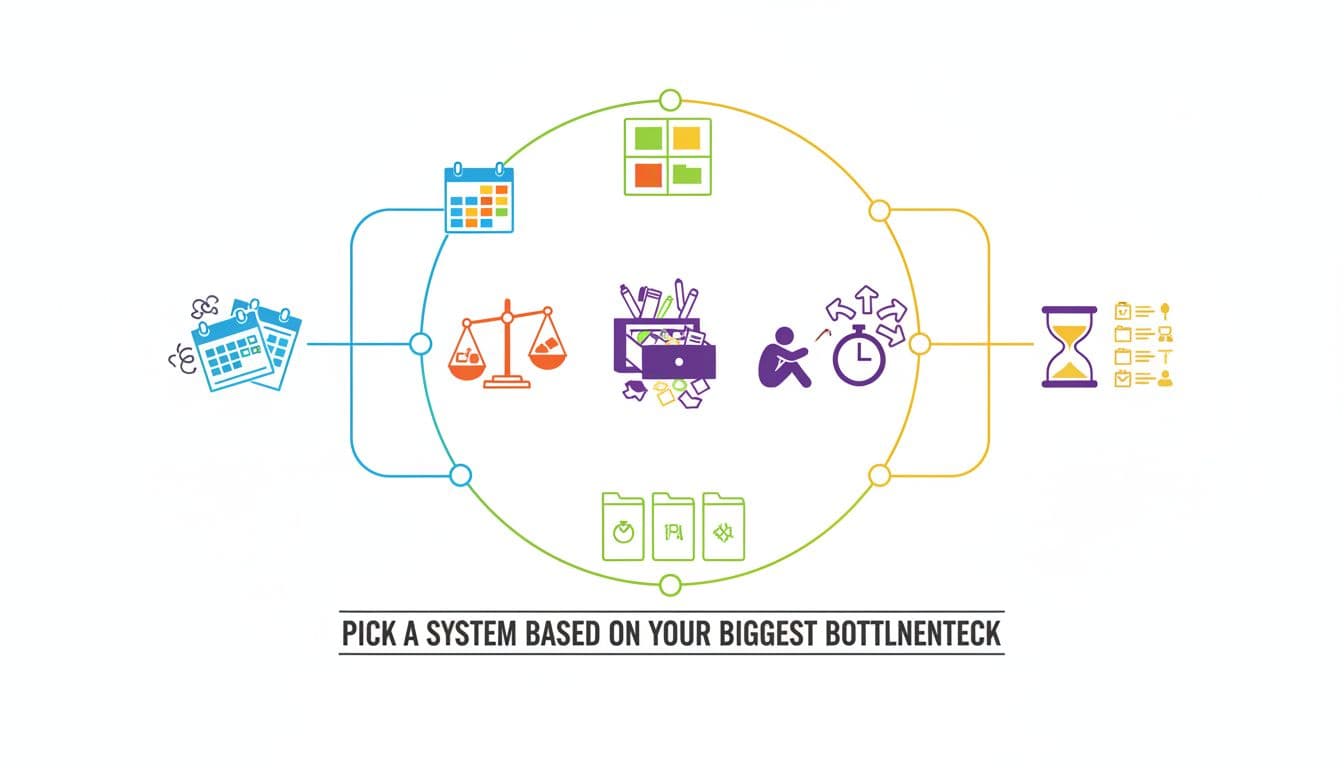
Pick a system based on your biggest bottleneck
Most professionals fail with productivity methods 2026 for one simple reason, they choose a system that solves the wrong problem. A clean notes setup won’t help much if your real issue is a calendar packed with meetings. In the same way, a priority matrix won’t fix a messy file structure.
A fast way to choose is to match the pain point to the method:
- Calendar chaos: Use time blocking with short buffers. This works when meetings, deep work, and admin keep colliding.
- Unclear priorities: Use the Eisenhower Matrix. It helps when everything feels urgent and your task list has no shape.
- Digital clutter: Use PARA. It’s a strong fit when files, notes, and project material live in too many places.
- Procrastination: Use Pomodoro focus sprints. This helps when starting feels harder than doing.
- Constant task switching: Use batch processing. It reduces the stop-start pattern that drains attention all day.
Think of it like choosing shoes. You wouldn’t wear running shoes to a boardroom or dress shoes to a trail. A system works the same way. Fit matters more than hype.
The right method should remove your main source of drag first.
If you’re not sure where to start, look at your last five workdays. Notice what kept happening. Were you reacting to your calendar, losing time to small switches, or wasting energy trying to decide what mattered? That pattern points to the system you need first.
Start with one system, then add tools only if needed
Once you find the best fit, keep the setup simple. Many professionals lose momentum because they build an entire stack before the habit exists. They add a task app, a note tool, an AI assistant, an automation layer, and a dashboard, then wonder why the system feels heavy.
A better move is to test one method for one week. Run it in the lightest way possible. Time blocking can live in your existing calendar. Eisenhower can work on paper. PARA can start with four folders. Pomodoro only needs a timer.
This matters because habits carry systems, not the other way around. Tools can help later, but they can’t rescue a method you never use. First make the workflow feel natural. Then decide whether a tool would save time or just add another screen.
In practice, the order should look like this:
- Pick one problem to solve.
- Use one system that matches it.
- Test it for a full week in a simple format.
- Keep what works, drop what doesn’t.
- Add light automation or AI support only after the basics stick.
For example, if time blocking helps you protect focus, then a smart calendar or AI scheduling aid may be worth adding. If PARA makes your notes easier to find, then a connected app might help later. But if the base habit still feels awkward, more tools won’t fix it.
Most strong productivity systems grow in layers, not all at once. Start small, make it repeatable, and only add tech when it removes real work.
How to make your productivity system stick for the long term
The best productivity systems do not last because they are clever. They last because they are easy to return to on a messy Tuesday. If your setup only works when you feel focused, rested, and fully in control, it is too fragile for real work.
Long-term success comes from a simple idea: make your system easy to maintain, easy to trust, and easy to restart. In productivity methods 2026, that matters more than ever because workdays are full of moving parts. A good system should bend without breaking.
Use a 10-minute weekly review to reset priorities
A short weekly review keeps your productivity system from turning into a junk drawer. You do not need a long planning session. You just need a quick reset that helps you see what matters now.
Think of it like tidying a desk before the next round of work. You are not rebuilding the room. You are clearing the surface so you can think again.
In those 10 minutes, keep it basic:
- Clear loose ends, delete old tasks, close what is done, and move stray notes where they belong.
- Choose key work, pick one to three important outcomes for the week.
- Check your calendar, look for meetings, deadlines, and time that is already spoken for.
- Spot friction, notice what slowed you down last week and trim it.
That last step matters more than most people think. If your task list keeps growing faster than you can use it, the problem may be your capture habit. If your mornings keep filling with meetings, your plan may need stronger boundaries. Small reviews help you catch those patterns before they become normal.
Keep the review light on purpose. You are not writing a report. You are giving yourself a clean starting point. As a result, your productivity systems stay current, and current systems are the ones people actually use.
If a weekly review feels heavy, it will not survive a busy season. Keep it short enough that you can do it even when you do not feel like it.
A good rule is to do this at the same time each week. Friday afternoon works for some people. Sunday evening works for others. The best slot is the one you will repeat without much effort.
Build around real life, not an ideal schedule
Many productivity systems fail because they assume perfect days. Real work does not look like that. Meetings run long, energy drops after lunch, family needs show up, and surprise tasks land in your inbox before noon.
So build your system around the day you actually have, not the one you wish you had.
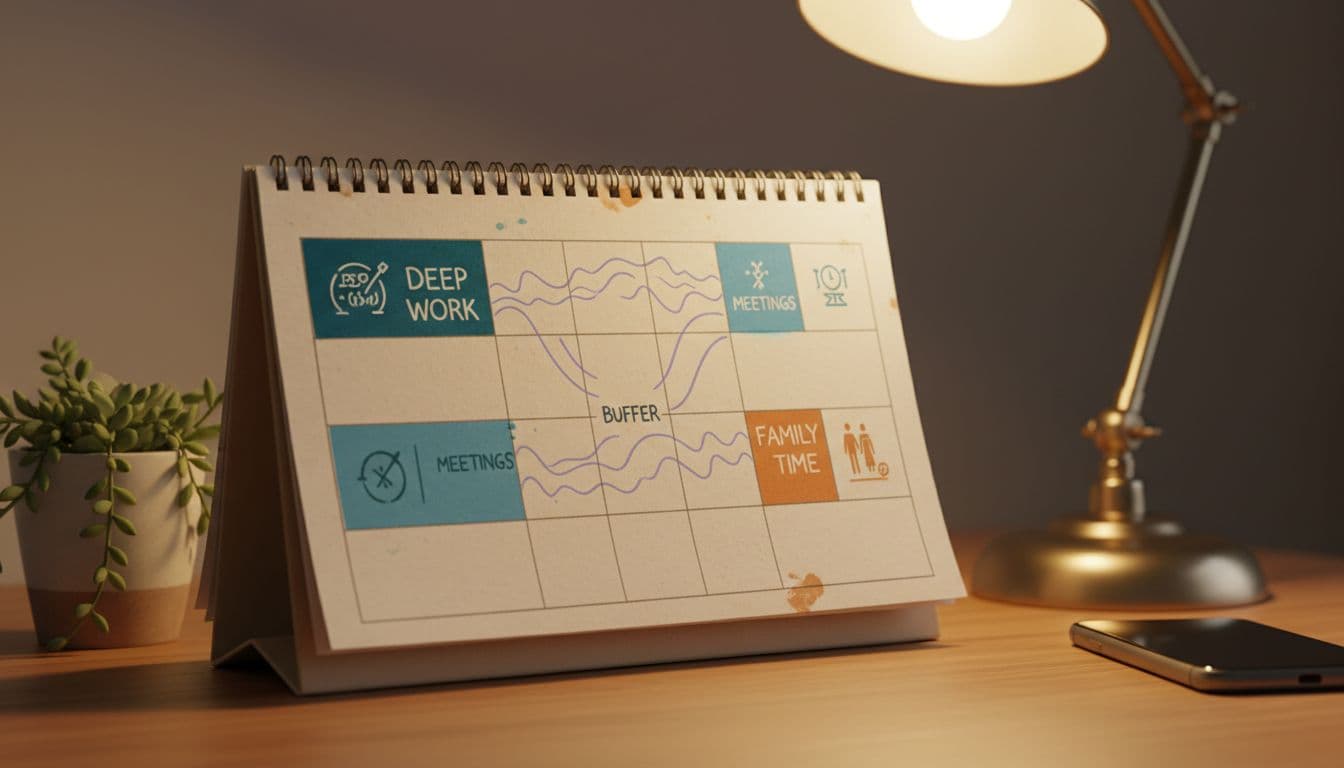
That means leaving space. Not empty space by accident, but planned room for real life. When every hour is packed, one delay can wreck the whole day. On the other hand, when you leave breathing room, the system can absorb a few hits and still hold up.
A durable setup usually makes room for four things:
- Meetings and admin, because they are part of professional life
- Focused work, because important work needs protected time
- Personal reality, including school pickup, errands, or home demands
- Buffer time, because something always takes longer than expected
This is where many professionals get stuck. They build a schedule for their best self, then feel like they failed when normal life shows up. That is backwards. A strong system expects interruptions. It plans for uneven energy. It allows a restart after a rough day.
For example, if your afternoons are unreliable, stop putting your hardest work there. If mornings are often lost to calls, protect a smaller focus block later in the day. If your week changes fast, plan fewer must-do tasks and give each one more room.
In other words, make your system honest. A simple, flexible plan beats a beautiful fantasy schedule every time. That is why the best productivity systems feel supportive, not strict. They help you keep going, even when the week gets crowded.
Conclusion
Simple productivity systems work because they’re easy to repeat, even when your week gets messy. That’s why the best approach in 2026 isn’t more tools, it’s a method you can trust, return to, and use without extra friction.
So pick one of these productivity systems, test it for a week, and adjust based on what actually happens in your day. Keep what helps, cut what adds noise, and build from there.
For professionals, the goal is consistency, because better focus, less stress, and more meaningful work usually come from doing a few simple things well. In productivity methods 2026, simple still wins.


